How to view results
Once a scan is running, open it to watch progress and browse findings as they land. The Overview dashboard and the Scans list are your entry points.
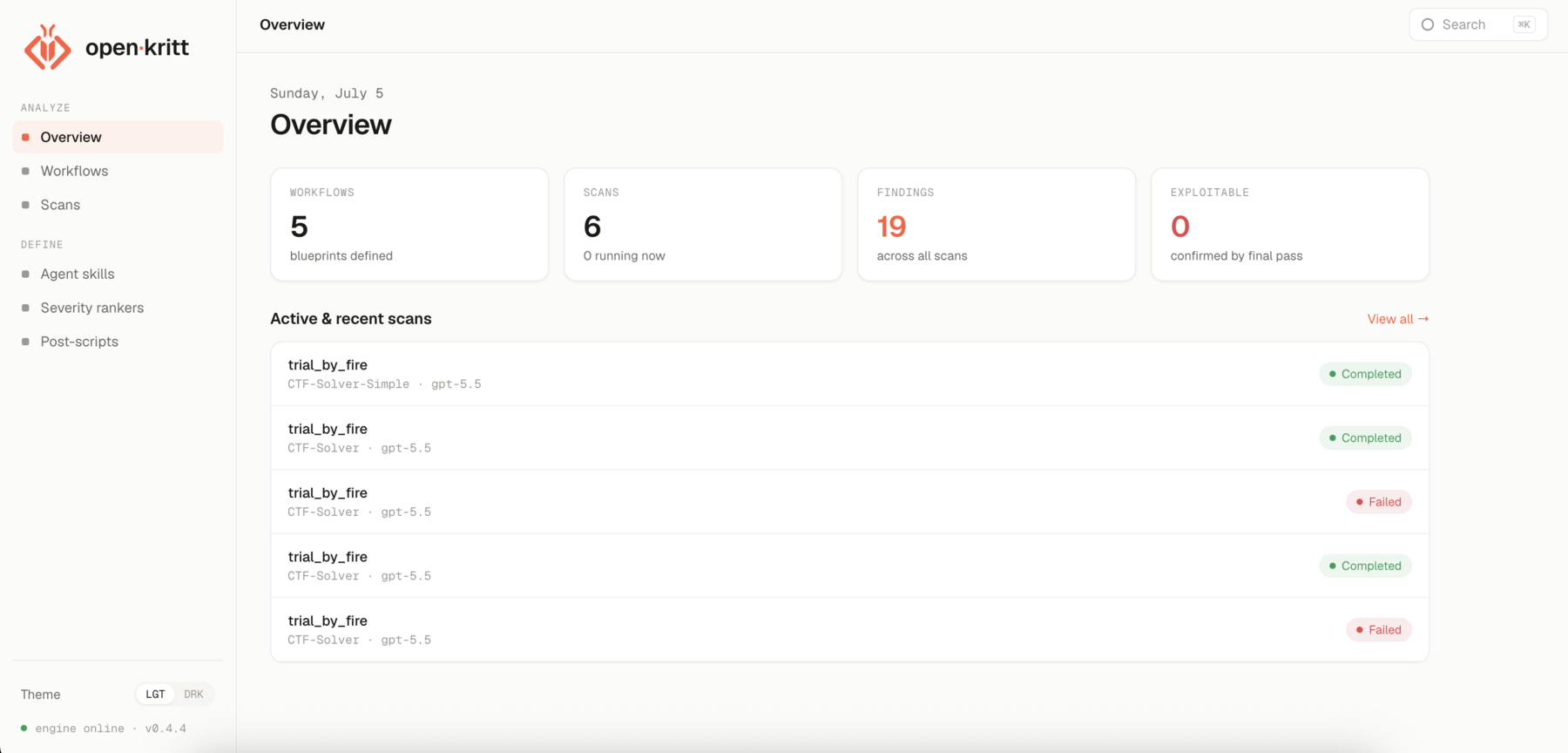
The scan detail page
Open any scan to see:
- Header - the target repo (with a remote/local badge), the workflow, model, harness, thinking effort, and commit.
- Stats - number of findings, how many are confirmed exploitable, the primary post-script, and how many agent skills were used.
- Status - a live badge (
pending,prewarming_cache,running,post_processing,completed,paused,stopped, orfailed) plus controls to pause, resume, or export. - Findings - the list of vulnerabilities, ordered by your ranker and annotated with chips from post-scripts.
The findings list
Each row summarizes a finding - its title, location, and a few chips. Findings are sorted by the ranking rules you set on the scan, so the highest-priority results sit at the top.
Click any finding to open the vulnerability view.